Giving Every Test Run Its Own Fresh Inbox: Why It Matters and How to Do It
Kieran Goodary
Why should every test run get its own fresh inbox?
Picture this: you trigger your end-to-end (e2e) test suite that includes user sign-ups, OTP (One-Time Password) verification, and password resets. The tests interact with your system's email flows. Now imagine if multiple test runs share the same inbox. Chaos ensues. Previous test emails clutter the inbox, causing brittle tests that either fail unpredictably or pick up the wrong verification code.
Assigning a fresh disposable inbox to every test run isolates test data, eliminating flakiness caused by email pollution. It gives you a blank slate every time, so your tests don't accidentally grab stale OTPs or legacy confirmation links.
This is especially crucial in continuous integration (CI) environments where tests run in parallel or in rapid succession. Contamination from leftover messages is a silent test killer.
What problems arise from using shared email addresses in tests?
Historically, some engineering teams used a shared Gmail or company email to catch test notifications. At first, it sounds convenient — "Just use test@example.com for everything." But the practical fallout is a painfest:
-
Flaky tests: Emails pile up, making it tough to identify which message belongs to the current test. When you try to parse the latest OTP, you might pick an old one.
-
Brittle parsing: To filter the right emails, teams rely on regex and heuristic parsing on subject lines or content. When email formats subtly change or unexpected emails arrive, these regexes break.
-
Concurrency headaches: Parallel test runs overwrite each other's messages or scramble the inbox timeline.
-
Manual cleanup: Someone has to purge the mailbox or manage message lifecycles to avoid max quota or clogged inboxes.
Shared inboxes become a debugging nightmare that slows down release cycles.
How do disposable inboxes solve these problems?
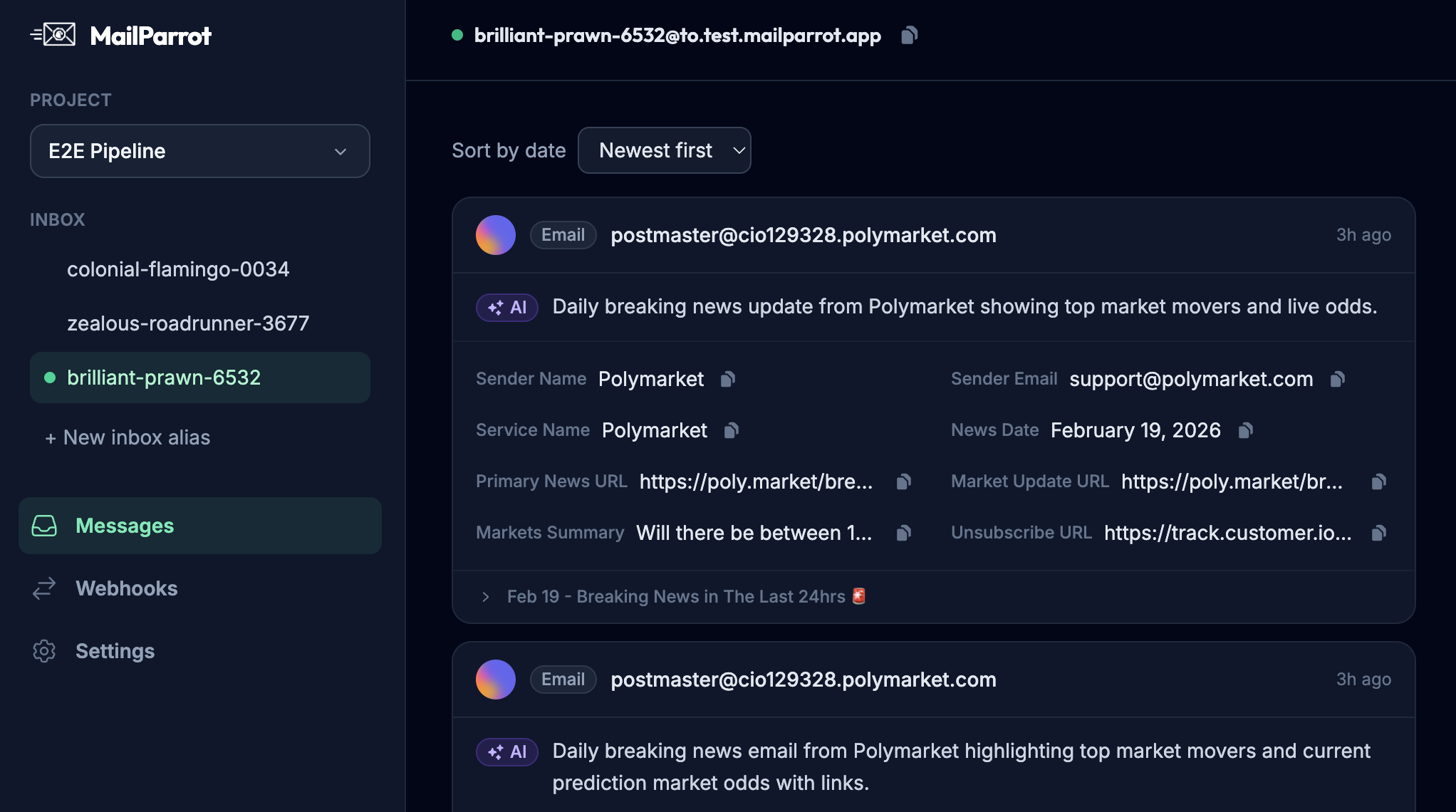
Disposable inboxes, also known as burnable inboxes, provide an automated way to create a unique email address on-demand with programmatic access to incoming messages. Here's why this matters:
-
Isolation: Each test run gets a dedicated inbox. No noise from other tests.
-
Deterministic parsing: You're guaranteed that all messages in that inbox belong to the current test, making OTP extraction straightforward.
-
No manual cleanup: Once you toss the inbox, it disappears with all emails.
-
Parallel-friendly: Multiple tests can spin up inboxes simultaneously without collisions.
-
Built for automation: APIs and webhooks enable instant notifications and retrieval of emails as part of your test scripts.
This approach transforms email testing from the bane of reliability into a reliable, boring part of your CI/CD pipeline.
How do disposable inboxes help with OTP extraction and email verification?
Extraction of OTP codes or verification URLs is the common pain point in authentication or sign-up flows. When your inbox is fresh and isolated, your test script can poll the disposable inbox API or receive webhook callbacks as soon as emails arrive.
With a single inbox per test, extracting OTP is a simple task of parsing the one incoming message’s body — no guesswork, no regex juggling between multiple emails.
Here’s a practical example:
import requests

# Create a new disposable inbox (pseudo-code)
inbox = requests.post('https://api.mailparrot.io/inboxes').json()
email_address = inbox['email']

# Trigger your app’s sign-up using email_address
# ...

# Wait for message via webhook or polling
messages = requests.get(f'https://api.mailparrot.io/inboxes/{inbox["id"]}/messages').json()
otp_code = extract_otp_from_message(messages[0]['body'])

# Use otp_code to complete verification
Disposable inboxes make this process a straightforward API interaction, significantly reducing flakiness.
Can these inboxes integrate smoothly into CI/CD pipelines?
Absolutely. This is where they shine for engineering teams.
CI runs your test suites in clean environments often spun up in containers or ephemeral machines. Creating a disposable inbox as part of the test setup step — either via API calls or SDKs — fits this model perfectly.
Immediate access to the inbox allows tests to verify email flows in real time, without relying on manual intervention or static email credentials.
For instance, add a setup fixture in your test code that:
- Requests a new disposable inbox
- Passes its email address to your application for sign-ups/authentication flows
- Waits for incoming messages via API/webhook
- Parses OTP or verification URLs
- Completes the tests
Post-test teardown is trivial; just discard the inbox or let it expire automatically.
This pattern aligns perfectly with Infrastructure as Code (IaC) and automated testing best practices, enabling faster feedback loops and more confidence in your email-related features.
How do disposable inboxes improve privacy for real users?
Disposable inboxes aren't just for tests, either. They are great tools for anyone tired of giving out their personal email address everywhere.
When signing up for trials, newsletters, or any site requiring an email verification, using a burnable inbox prevents:
- Inbox spam buildup
- Personal data leakage
- Tracking by advertisers
By using a throwaway email for non-critical interactions, users retain control over who can contact them, and avoid mixing their personal and promotional content.
Why is relying on brittle regex a bad idea?
Parsing emails with regex is like catching a greased pig — it’s messy, error-prone, and never works perfectly if the email format changes by even a pixel.
Emails are not plain text logs; they have HTML, attachments, variable subjects, and often inconsistent formatting. Using brittle regex to extract OTPs or URLs leads to flaky tests that fail for the dumbest reasons.
Disposable inboxes simplify this by significantly reducing the number of emails you have to parse, making the extraction logic trivial and solid.
What about using popular shared mail providers like Gmail for tests?
Shared Gmail accounts are serviceable for casual experimentation, but they have multiple drawbacks:
- Rate limits and CAPTCHAs
- Unpredictable UI changes impacting email parsing
- Hard to automate reliably without OAuth and scripting
- Mixed inbox pollution from real users or developers messing with the account
That's why specialized disposable inbox APIs are a better fit for automated testing — they are designed with developers and CI in mind.
How can teams get started with disposable inbox APIs?
Here’s a straightforward way to start:
- Choose a disposable inbox API service with a stable API and documentation.
- Integrate inbox creation into your test setup hooks.
- Generate a new email for every test or test suite run.
- Wire webhook callbacks or poll inbox messages to react to incoming emails immediately.
- Parse required OTPs or verification links.
- Dispose of the inbox or let it expire naturally post-test.
Make sure to build retry logic around email arrival delays and gracefully handle missing messages.
Are disposable inboxes only for web apps?
Not at all. Any system that requires email verification — mobile apps, desktop clients, IoT devices — can benefit from disposable inboxes in their test process.
Automated email testing flows help maintain the quality and stability of your authentication and notification features across platforms.
What about security and compliance?
Disposable inboxes are ephemeral by design, usually auto-deleting messages and inboxes after some time. This reduces data retention risks.
However, teams should still ensure that sensitive user information is not transmitted to disposable inboxes in production scenarios.
Use disposable inboxes strictly for test environments or throwaway queries, never for handling real user data.
Final thoughts: Make email testing boring, reliable, and automated
If your email verification tests sometimes pass and sometimes fail, your team wastes hours digging into flakey failures instead of building features.
Giving every test run its own fresh inbox is an easy win to dramatically improve reliability and developer happiness.
With disposable inbox APIs, you turn the nightmare of testing email flows into a set-it-and-forget-it part of your pipeline.
Spend your time coding meaningful tests, not untangling which OTP belongs to which test run.
And yes, making email testing boring is a good thing.
Ready to unblock your tests and pipelines?
1,000 free credits with every account-no card required. They don’t expire.
Get started for free