When to Use a Throw-Away Inbox (and When Not To)
Kieran Goodary
What exactly is a throw-away inbox?
Before diving into when to use a throw-away inbox-sometimes called a disposable inbox-let’s get on the same page about what it is. In short, these are email addresses you can generate on the fly, use temporarily, and then discard without worrying about ongoing management.
They’re designed to receive emails for a limited time or a specific purpose, such as handling sign-up confirmation emails, test flows, or privacy-conscious web browsing. Unlike your everyday Gmail or corporate inbox, throw-away inboxes are often created programmatically or provided via API services, making them perfect for automation.
Why would anyone want to use a throw-away inbox?
Several reasons, spanning everyday user concerns and developer needs:
-
Privacy and Spam Avoidance: For normal users, these inboxes prevent the main email from getting flooded with newsletters, marketing material, or phishing attempts after a one-time sign-up.
-
Testing and Development: For engineers and product teams, they provide a reliable, automated way to test email-dependent workflows without relying on shared or personal email accounts.
-
Simplicity and Keeping Things Clean: Temporary projects, trials, or one-off registrations can clutter your main mailboxes which is a pain to clean up later.
When should a normal user seriously consider a throw-away inbox?
If you’ve ever hesitated before submitting your email on a sketchy website, you get the idea. Using a throw-away inbox:
- Shields your privacy by not exposing your primary email address.
- Cuts down on unwanted follow-ups after trials or event sign-ups.
- Works well for one-time verifications without leaving a permanent footprint.
However, if you need long-term access to that account or expect to receive important emails (password resets, billing updates), a disposable inbox is probably not your best bet.
When should product and engineering teams use throw-away inboxes?
The short answer: whenever you automate testing of email-dependent features.
Imagine you’re testing an authentication flow that sends One-Time Passwords (OTPs) or magic links via email. Relying on a shared Gmail account for this can lead to race conditions, delays, or complicated cleanup. Worse, brittle regular expressions trying to parse emails can break frequently.
Disposable inbox APIs let you spin up isolated email addresses on demand, extract OTPs programmatically, and discard inboxes after tests complete. This clean slate approach reduces flakiness in end-to-end (e2e) tests and integrates seamlessly with CI/CD pipelines.
Can throw-away inboxes replace your main email?
Tempting as it might be to keep using a disposable inbox forever-especially to dodge spam and tracking-the answer is no for long-term personal or professional use.
Throw-away inboxes are designed for temporary use: they usually don’t notify you of incoming mail actively, often lack advanced filters or folders, and their lifespan is limited. For important communications, password resets, or account recoveries, a permanent, secured email is still king.
What are the risks or downsides to throwing all your emails into a disposable inbox?
-
Missed Communications: If you rely exclusively on disposable emails but something urgent or unexpected comes through, you might never see it.
-
Security Vulnerabilities: Some throw-away inboxes are public or auto-accessible by others, so they aren’t a vault for sensitive account credentials.
-
Regulatory and Compliance Issues: For businesses, using disposable inboxes improperly can violate audit regulations or data governance policies.
-
Deliverability Problems: Some sites block known disposable domains, limiting sign-up options.
How do disposable inboxes improve testing compared to shared inboxes or regex parsing?
Instead of juggling a shared Gmail where multiple tests compete and emails pile up, causing confusing states, disposable inboxes are ephemeral-each test gets its own isolated email environment.
Plus, disposable inbox APIs typically offer structured email access (via webhooks or JSON APIs), so you’re not stuck writing fragile regexes to find OTPs or reset links. This makes test automation more robust and your CI pipelines happier.
How to choose the right disposable inbox provider?
Not all are created equal. Here’s what to look for:
- API Access: Ability to programmatically create inboxes and fetch emails.
- Reliability: Quick email delivery and minimal downtime.
- Lifespan Control: Set custom expiration times.
- Privacy Respect: No email content monitoring or selling.
- Integration Features: Webhooks, filters, and OTP extraction helpers.
Assess these factors against your specific use cases-whether it’s a developer needing automated testing or a privacy-minded user.
Can disposable inboxes be automated into your CI/CD pipeline?
Absolutely, and this is where they shine for developer teams.
By programmatically generating a unique email for each test run, your test scripts can fetch and parse verification emails without human intervention. This approach reduces flaky test failures and accelerates feedback loops.
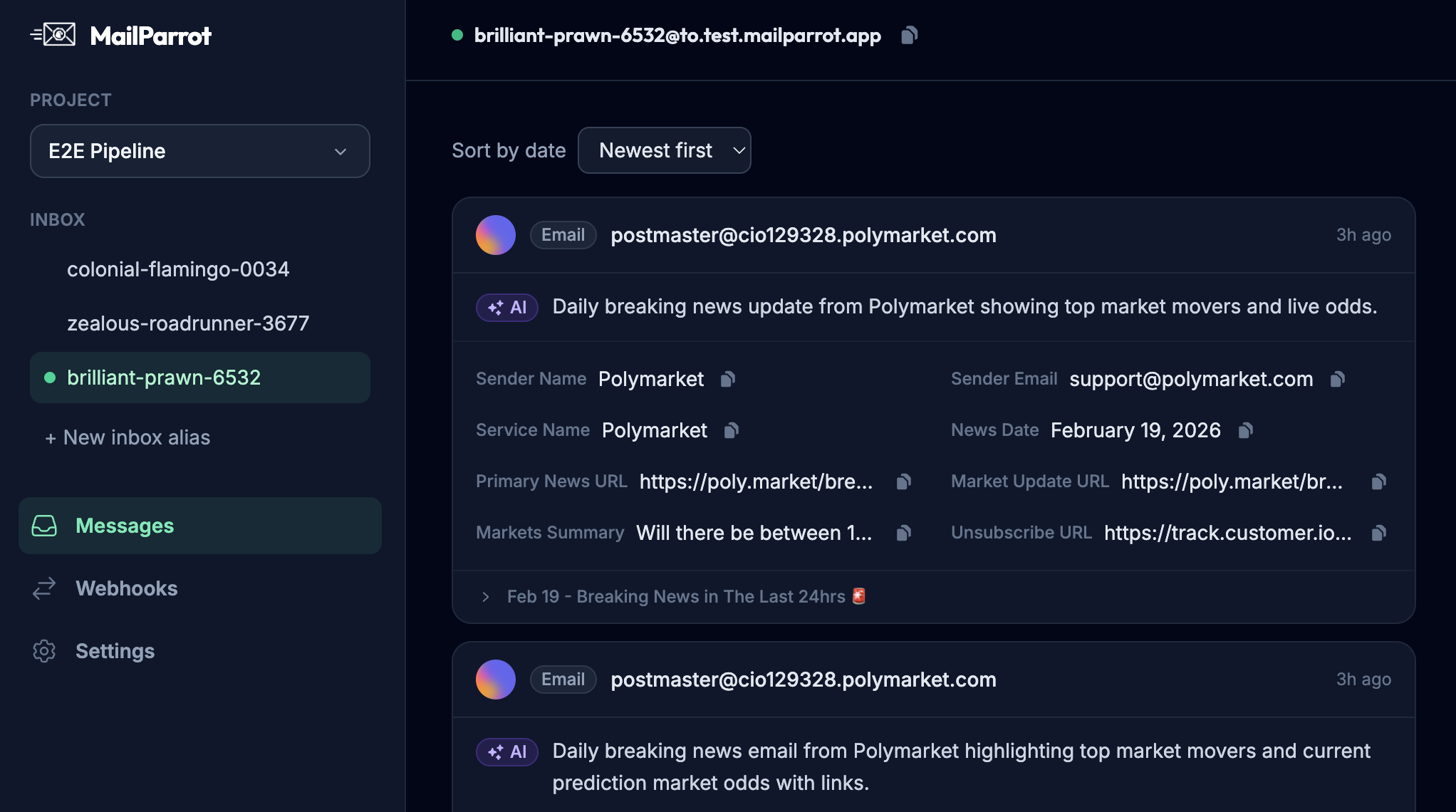
MailParrot and similar services excel here, allowing OTP extraction and webhook-driven email tracking that keeps your pipelines smooth and boring-in a good way.
When NOT to use a throw-away inbox
Avoid disposable emails when:
- You’re signing up for anything requiring identity verification beyond email (banks, government services).
- You need continuous access to communications or billing updates.
- Security matters deeply and you want audit trails.
- The service explicitly bans disposable address domains.
In those cases, stick to your primary or secondary real email addresses.
Wrapping up: What’s the takeaway?
Throw-away or disposable inboxes are nifty tools in the right context. Use them to protect your privacy online, keep your personal inbox clean, or automate email workflows in testing environments.
But don’t get carried away-knowing when not to rely on them is equally important. Maintain a clear division between temporary tasks and important, ongoing communications.
If you're a developer or product team, integrating disposable inbox APIs into your testing suite isn’t just convenience-it’s a way to make email verification less brittle, more predictable, and yes, even a little boring.
And that’s a win in anyone’s book.
Ready to unblock your tests and pipelines?
1,000 free credits with every account-no card required. They don’t expire.
Get started for free