Why CI/CD Pipelines Need Dedicated Test Inboxes
Kieran Goodary
Why do CI/CD pipelines require email testing at all?
Ever tried to ship a feature that sends out emails without testing those emails properly? It's a classic case of "it works on my machine"-except your users don't see any "it works" messages, only missing, broken, or delayed emails. Email testing is critical in Continuous Integration and Continuous Deployment (CI/CD) because many applications rely on email for user authentication, notifications, password resets, and more.
Ignoring email flows can break user experience, create security holes, or cause major support headaches down the road. Automated pipelines promise to catch bugs early-so why treat email differently?
What’s wrong with using shared Gmail or real email accounts for CI/CD tests?
You might think "let's just use a Gmail account" for catching test emails. That’s understandable-Gmail is free, familiar, and accessible. But it quickly becomes a mess, even for modest projects.
Here’s why it doesn’t cut it:
-
Email clutter and collisions: Multiple builds or parallel jobs send emails that pile up. It’s a race to identify the relevant message, which can get lost in spam or other foldouts.
-
Rate limiting and blocking: Gmail and other providers have anti-spam measures. Automated tests that send frequent emails can get flagged or temporarily blocked.
-
Shared inbox confusion: When multiple developers share the same inbox, it’s easy to cross wires-one job deletes or reads emails meant for another.
-
Manual cleanup: Someone has to clear out the inbox or write fragile scripts to do it, adding maintenance overhead.
-
Limited API control: Gmail’s API is not designed for seamless, programmatic email workflows tailored to testing needs. They can be slow, inconsistent, and complex.
Long story short, using shared Gmail addresses is like trying to squeeze a square peg into a round hole. You might get it to work temporarily, but it’s brittle and slow.
Why are dedicated test inboxes built for automation a better choice?
Enter dedicated test inbox services. These let you create disposable or burnable inboxes designed specifically for programmatic email testing and automation.
Here’s why this approach wins:
-
Instantaneous creation and destruction: Spin up unique inboxes on-demand during CI jobs, then dispose of them immediately afterward, keeping your test environment clean.
-
Consistent API access: Retrieve emails reliably via APIs instead of manual IMAP or screen scraping.
-
Advanced features like OTP extraction: Many services parse emails for codes or links automatically, letting your tests grab one-time passwords (OTPs) or magic links without brittle regex.
-
Webhook support: Real-time email notifications to your test runners reduce polling and latency.
-
Isolation and predictability: Each test gets its own inbox, eliminating race conditions and email mix-ups.
-
Reduced rate limit problems: Providers built for testing don’t throttle automated requests the way consumer inboxes do.
In short, dedicated test inboxes are tools built for developers, for modern pipelines, not consumer email clients.
How do dedicated inboxes improve end-to-end testing and authentication flows?
Authentication flows involving email-like sign-ups, forgot passwords, or multi-factor auth-are notoriously tricky. They depend on all services working smoothly: the backend, email providers, SMTP configurations, and user devices.
Dedicated inboxes let your tests mock or run through real email flows by capturing actual outgoing messages reliably. For example:
- Your test triggers a signup or password reset.
- The email with a confirmation link or OTP lands in a disposable inbox.
- Your test API fetches the email, extracts the token or link.
- The test completes the flow by visiting the link or submitting the token.
This process ensures your entire stack-including email delivery and parsing-is verified, not just mocked.
It also helps catch regressions, like failed email sends due to SMTP misconfiguration or issues where the email content changed but your regex broke.
How can OTP extraction from test inboxes reduce flaky tests?
One of the top causes of flaky test failures is brittle parsing of dynamic email content. OTPs (one-time passwords) and magic links change with every run, so regexes and parsing code are fragile.
Dedicated inbox APIs often include built-in OTP extraction features that detect common formats out of the box. This means:
- You don’t have to invent regexes that break when your email subject changes.
- You get reliable OTP detection despite minor template updates.
- Your tests become self-healing, focusing on business logic rather than fragile text parsing.
This stability saves hours (or days) of chasing down intermittent test failures.
Why does making email verification boring matter in CI/CD?
Yes, "boring" sounds like a weird selling point. But that’s exactly what you want for email in your CI/CD pipeline: predictable, routine, and headache-free.
Complex or flaky email tests slow down pipelines, frustrate engineers, and invite shortcuts like skipping email checks or manual testing. By using dedicated test inboxes with automation and robustness, you make email verification a first-class citizen in your pipeline.
Boring email verification means you get consistent pass/fail signals, fast feedback loops, and confident deployments.
How do disposable inboxes contribute to security and privacy during tests?
Using real user emails or shared inboxes can accidentally expose sensitive data in logs or test results, especially when tests run on public CI servers. Disposable test inboxes mitigate this by:
- Keeping test emails isolated and ephemeral.
- Preventing leaks of personal information since the addresses are generated on-demand and discarded.
- Avoiding clutter that might contain credentials or tokens.
This makes your test environments safer and reduces compliance risks.
Can dedicated test inboxes integrate smoothly into existing CI/CD systems?
Absolutely. Most test inbox providers offer REST APIs, client libraries in popular languages, or even CLI tools that make integration straightforward.
You can:
- Create inboxes programmatically as part of your build steps.
- Fetch or wait for emails via API calls or webhooks.
- Extract tokens and feed them into subsequent test steps.
- Tear down inboxes after tests complete.
This pipeline-friendly design aligns with GitHub Actions, Jenkins, GitLab CI, CircleCI, and others. The overhead is minimal compared to the value gained.
What about cost? Are dedicated test inboxes expensive?
Sure, 'free' on Gmail is hard to beat from a zero-dollar budget perspective. But if your testing infrastructure is causing flaky builds, wasted developer time, or delayed releases, the indirect cost far exceeds the price of a dedicated solution.
Many test inbox providers offer free tiers suitable for small projects, plus pay-as-you-go plans that scale with your needs.
Consider the return on investment:
- Faster feedback loops.
- Fewer flaky failures.
- Less manual intervention.
- Easier onboarding for new team members.
The cost is offset many times over in productivity gains.
How do you get started with dedicated test inboxes in your CI/CD pipeline?
-
Pick a provider that fits your language stack, feature requirements (like OTP extraction), and budget.
-
Integrate inbox creation into your test setup. This usually means calling an API to get a fresh email address.
-
Modify your application or test environment to use this disposable address for email-related operations.
-
Use the provider’s API or webhooks to fetch incoming emails and extract needed data.
-
Build test logic that waits for emails, extracts tokens, and proceeds accordingly.
-
Clean up after tests by deleting inboxes or letting them expire.
If you picked an inbox provider with good SDKs and documentation, this process should be smooth and take a few hours to implement.
Summary
Dedicated test inboxes designed for CI/CD pipelines are not just "nice to have"; they are vital tools for reliable, maintainable, and secure email testing. They beat shared Gmail accounts in isolation, speed, and automation support while reducing flakiness caused by brittle parsing.
By making email verification boring and dependable, teams can confidently ship authentication flows and notification systems without the usual headaches.
So the next time your pipeline needs an email, think disposable, dedicated, and automated-not shared, manual, and fragile.
Ready to unblock your tests and pipelines?
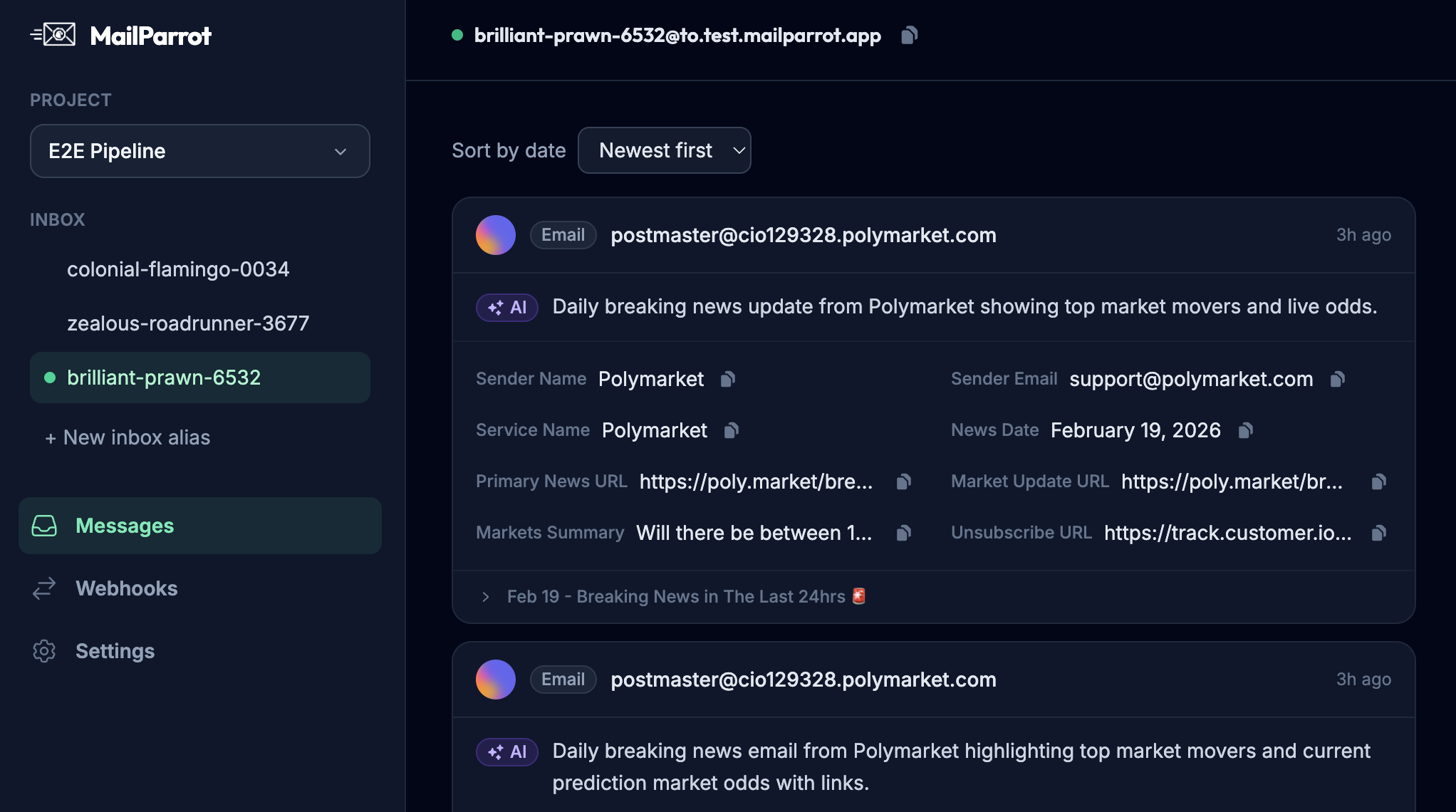
1,000 free credits with every account-no card required. They don’t expire.
Get started for free