Making Email Verification Boring and Reliable: A Developer's Guide
Kieran Goodary
Why should we want to make email verification boring?
Email verification is one of those backend chores that most developers love to hate. It sits squarely between "important enough not to ignore" and "annoyingly unreliable when you treat it as an afterthought." But honestly, you want email verification to be as boring as possible - no flaky tests, no angry support tickets about missed OTPs, and certainly no users trapped in endless "confirm your email" loops.
Why? Because if it’s boring, it’s predictable, stable, and means you nailed the reliability that users and teams need. Taking the drama out of email verification frees you to focus on features that add real value.
What makes email verification a pain in the neck?
Several things screw up otherwise straightforward email verification flows:
-
Delayed or missing emails: SMTP delivery inconsistencies, spam filters, or network gloom can cause verification emails to never arrive.
-
Shared test inboxes: Tossing verification emails into a common Gmail account may cause race conditions and flaky tests, not to mention privacy issues.
-
Brittle parsing logic: Regexes built to extract OTPs often break if the email template changes even slightly.
-
User confusion: Without clear feedback and smooth flows, users abandon sign-ups mid-way.
Because email touches both the user's experience and the backend system integrity, any glitch affects perception and trust.
How do disposable inboxes help make verification boring and reliable?
Disposable or burnable inboxes offer a clean slate every time you run tests or sign a user up. Instead of relying on a shared Gmail inbox or static test account, you generate unique, one-off email addresses programmatically. Here’s why that matters:
-
No race conditions or email mix-ups: Multiple parallel test runs can operate independently without stepping on each other.
-
Privacy by design: Since the inbox is temporary and under your control, no sensitive data lingers longer than needed.
-
Better test isolation: Failures become easy to diagnose when you know exactly which email addressed was involved.
-
Automation friendly: Receiving verification emails, extracting OTPs, and validating user flows happen without manual intervention.
Rather than hoping an email lands, you actively grab it via API, making the whole process deterministic.
Can normal users benefit from disposable inboxes too?
Absolutely. While usually a tool for devs and QA, disposable inboxes also empower ordinary folks concerned about privacy or spam. Say you’re signing up for a new newsletter or trying a recurring-trial SaaS product. Using a burnable address helps:
-
Keep your primary inbox clean from marketing clutter.
-
Avoid giving your real email to a service you’re not sure about.
-
Reduce the risk if the provider later suffers a data breach.
Some services offer disposable email apps or aliases to ordinary users. Integrating secure burner inbox options into your product can also enhance trust and user choice.
How does programmatic inbox access improve OTP extraction?
One annoying part of email verification is reliably reading and verifying one-time passwords (OTPs). Traditionally, you might:
-
Manually check the inbox to copy OTPs.
-
Write fragile regexes in tests to extract codes from varied email templates.
Disposable inbox APIs can deliver email content directly to your test suites or backend systems. This lets you parse OTPs or verification links programmatically. Moreover:
-
You avoid brittle regex by building parsers tailored to your email format.
-
Webhook support allows real-time notification when verification email arrives, speeding up end-to-end tests.
-
Your CI pipelines run faster and more confidently.
This is significantly better than hooking up a shared Gmail with IMAP and hoping it’ll work someday.
Why is relying on shared Gmail accounts and brittle regex a bad idea?
Shared Gmail inboxes might sound convenient but introduce several headaches:
-
Concurrency issues: Parallel runs or multiple teams accessing the same inbox cause confusion about which email is for which test.
-
Security concerns: Password sharing and persistent storage increase risk.
-
Performance bottlenecks: Gmail's IMAP rate limits and eventual syncing delays slow tests.
-
Brittle parsing: Email templates change, markup varies, and simple regex fails often, leading to flaky tests.
Developers who rely on brittle regex might waste hours fixing flaky or failing tests every time the email content changes, essentially rewriting code just to keep tests green.
How can engineering teams integrate disposable inboxes into CI/CD pipelines?
Integrating disposable inbox services with your Continuous Integration and Deployment (CI/CD) system lets you automate email verification as part of your test suite. A typical setup involves:
-
Test startup: Generate a unique disposable email address at the start of your test run via API.
-
Sign-up flow: Use this email to trigger account verification workflows.
-
Email capture: Poll or receive webhook notifications from the disposable inbox service when verification emails arrive.
-
OTP or link extraction: Parse content to retrieve the OTP or verification URL.
-
Verification step: Complete the verification flow in your tests by submitting the OTP or following the link.
-
Clean up: Dispose of the inbox to keep things tidy.
This pipeline ensures email verification tests run automatically, reliably, and without human involvement. You get faster feedback and fewer flakey results.
How can product teams reduce user friction during email verification?
Making email verification boring isn’t just about backend engineering; it’s also about user experience. Some practical tips:
-
Clear instructions: Tell users what to expect ("We'll send a one-time code shortly") and where to look ("Check spam folder if you don’t see it")
-
Fast delivery: Aim for near-instant email delivery to keep users engaged.
-
Resend options: Allow users to easily request a new code without confusion.
-
Inline OTP entry: Allow users to enter OTP codes as they arrive, with smart input fields.
-
Fallback methods: Consider alternative verification channels (SMS, authenticator apps) when email isn’t reliable.
Reducing friction here means fewer abandoned sign-ups and better activation rates.
How does MailParrot facilitate making email verification boring and reliable?
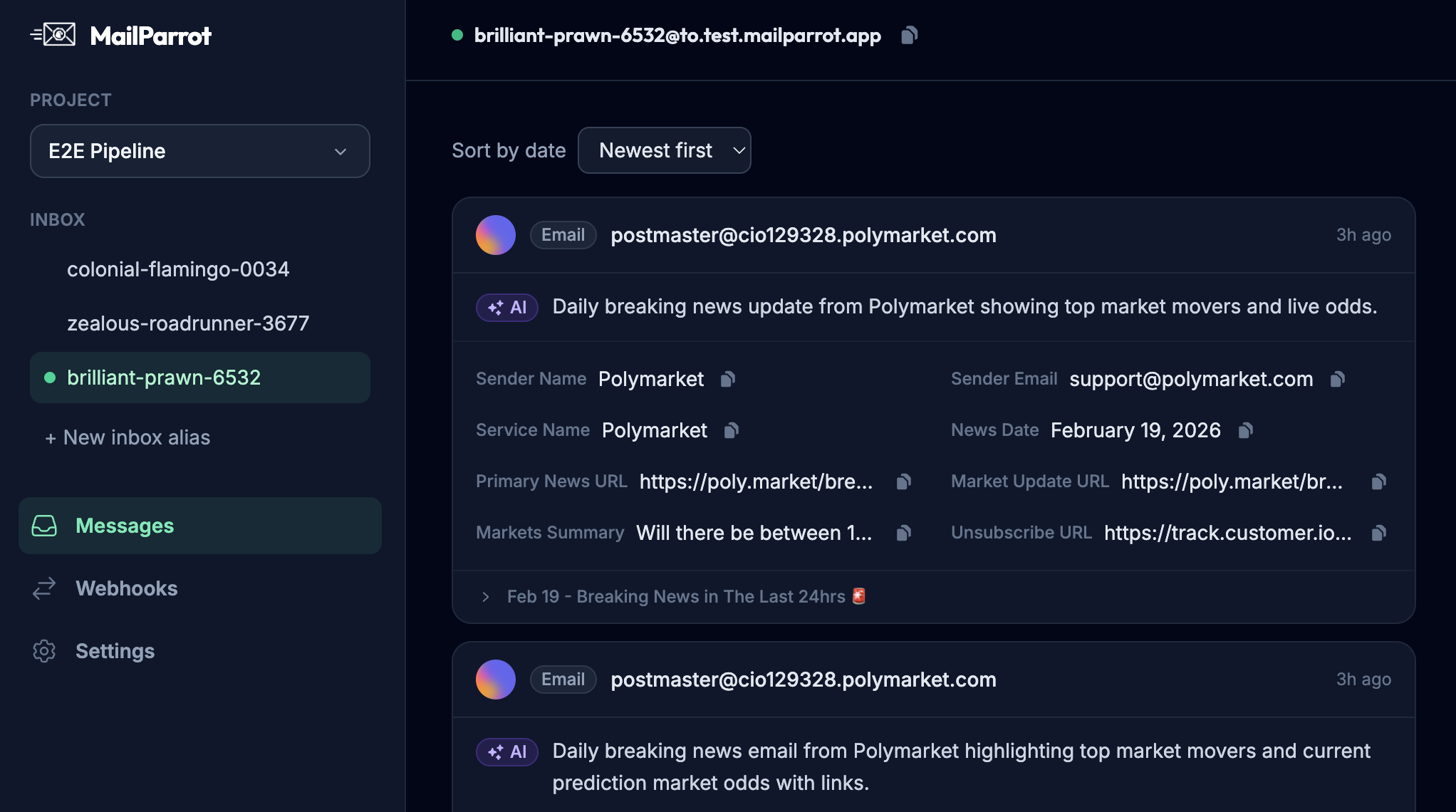
Services like MailParrot specialize in disposable inbox APIs designed with developers in mind:
-
Create unique mailboxes on demand.
-
Extract OTPs and other email content programmatically.
-
Provide webhooks for real-time email delivery events.
-
Built to integrate seamlessly with CI/CD pipelines and testing workflows.
-
Avoid shared inbox pitfalls and fragile regex by delivering structured email content.
This means your team spends less time babysitting email verification tests and more time building and shipping features.
What are the key takeaways for developers and teams?
-
Treat email verification like the critical but boring plumbing it is.
-
Use disposable inboxes to isolate test runs and gain deterministic control of verification emails.
-
Avoid shared Gmail inboxes and flaky regex parsing for reliability.
-
Automate OTP extraction and verification using APIs and webhooks.
-
Consider the user experience to reduce friction and abandonment in sign-ups.
-
Integrate these practices into your CI/CD pipeline for faster, more confident releases.
By making email verification boring and reliable, you remove a major source of pain and risk in both user onboarding and automated testing.
Final thoughts
No one wakes up hoping today’s email verification will break. But it often does, costing hours in debugging, user frustration, and lost conversions. Embracing disposable inboxes and programmatic email handling rewrites this story. It turns email verification from a shaky, flaky process into a boring, predictable step that just works.
So, if you’re still manually checking a shared Gmail or fiddling with regexes that rarely survive a fresh email template, it’s time to borrow a page from the devs who already live this way. Your future self-and your users-will thank you.
Ready to unblock your tests and pipelines?
1,000 free credits with every account-no card required. They don’t expire.
Get started for free