Why CI/CD Pipelines Need Dedicated Test Inboxes
Kieran Goodary
Why do CI/CD pipelines struggle with email testing?
If you’ve ever tried to automate end-to-end testing of any user flow involving emails-like signup confirmations, password resets, or one-time passwords (OTPs)-you probably know the struggle is real. Most CI/CD setups trip over email because the inboxes they use weren’t designed for automation; they’re shared, get spammed, or rely on fragile parsing.
Emails land unpredictably, sometimes with delays or filters dropping them altogether. This leads to flakey tests that break randomly, slowing down your development velocity and draining your team’s morale. Hence, the core problem: traditional mailboxes aren’t cut out for programmatic, repeatable, and isolated email testing.
How do dedicated test inboxes solve these problems?
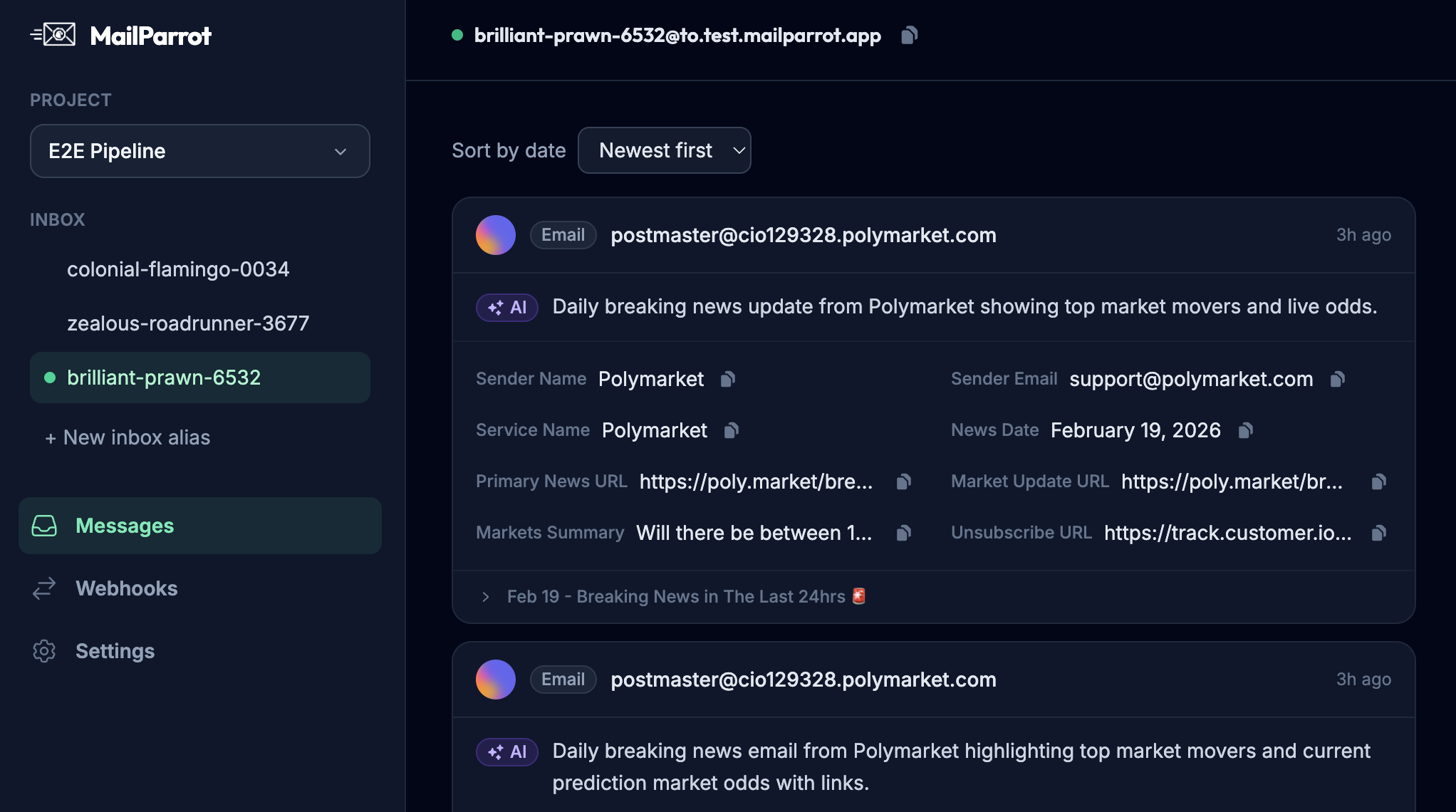
Dedicated test inboxes-sometimes called disposable or burnable inboxes-are built specifically to receive, parse, and expose emails programmatically during automated tests. Instead of wrestling with a shared Gmail account or crawling through messy inboxes, these test inboxes give each test (or pipeline run) a fresh, isolated environment.
Features that make dedicated test inboxes invaluable include:
- Complete isolation: Each test gets a unique inbox, preventing email collisions or confusion.
- Instant access to raw and parsed messages: APIs expose email contents, headers, attachments, and metadata without having to DMARC your way through Gmail.
- OTP and link extraction: They provide utilities to automatically grab OTP codes or magic links from emails.
- Webhook notifications: Instead of polling, your CI system gets notified as soon as an email arrives.
- Auto-cleanup: Old inboxes expire, keeping things tidy without manual resets.
All of this leads to tests that are more reliable, less brittle, and easy to maintain.
Why not just use a shared Gmail account and parse emails with regex?
You could. Plenty of teams do. But the 'cheap and cheerful' approach comes with problems:
- Gmail filters and spam detection sometimes block or delay your test emails.
- Shared accounts mean emails from multiple tests jumble together, leading to race conditions and flaky tests.
- Parsing free-form email bodies with regex is error-prone and fragile. Email formatting changes, templates update, or just extra whitespace can break your extraction logic overnight.
- Gmail’s UI isn’t designed for automation. You either do complicated IMAP hacks or rely on Gmail APIs with strict quotas.
Contrast that with dedicated test inbox APIs designed to be stable and predictable. They reduce the technical debt of maintaining brittle regex and flaky IMAP polling code.
How do dedicated test inboxes improve testing of OTPs and authentication flows?
Authentication often relies on email-based verification or OTPs. If you’ve built 2FA or passwordless auth into your product, you know how painful it is to test these flows reliably.
With dedicated test inboxes, the OTP arrives in a ready-to-consume form via API. No more parsing email bodies manually-instead, you get exact tokens extracted and ready. This means your CI pipeline can automatically fill in OTP fields without human intervention or complicated text processing.
Improving your OTP testing pipeline not only boosts developer productivity but also helps catch regressions early, making your authentication flow less likely to break in production.
Can dedicated test inboxes work seamlessly in CI/CD environments?
Absolutely. CI/CD pipelines love idempotency, isolation, and speed, which dedicated test inboxes deliver:
- Programmatic creation: Generate unique inboxes with the API on the fly, no manual setup needed.
- Parallel testing: Each test or pipeline run uses its own inbox, avoiding cross-test pollution.
- Webhooks: Instead of polling inboxes endlessly, your pipeline can be notified immediately when the expected email arrives.
- Auto-expiry: No stale inboxes clogging your email provider or API quota.
This tight integration reduces bottlenecks and flaky steps related to email verification in your test suites.
How do dedicated inbox APIs handle email parsing better than homemade solutions?
A dedicated inbox API is specifically designed to parse MIME emails correctly, extract attachments, handle various encoding schemes, and provide structured data out of the box. Homemade solutions usually rely on simplistic regex that doesn’t cover edge cases like:
- Multipart emails (text + HTML + attachments)
- Different charsets and encodings
- Inline images and links
- Variations in email template formatting
Using a dedicated API means these complexities are abstracted so that your tests only have to deal with reliable, cleaned-up data. This increases test robustness and reduces the time spent debugging email parsing issues.
What about privacy and security when using disposable test inboxes?
Good question. Since test inboxes handle potentially sensitive information like user emails, tokens, and passwords, security practices matter:
- Choose providers that encrypt data at rest and in transit.
- Ensure inboxes are ephemeral and auto-cleanup after tests.
- Use token-based API authentication with minimal permissions.
- Avoid using real user emails in test inboxes.
This way, you keep your pipeline secure and don’t leak sensitive data through logs or stale mailboxes.
How can engineering teams integrate dedicated test inboxes into existing pipelines?
Integrating dedicated test inboxes is usually straightforward:
- Provision inboxes via API: At the start of your test pipeline, request a fresh inbox.
- Trigger actions that send emails: Signup users, initiate password resets, or request OTPs as normal.
- Wait for/email arrival: Use webhook callbacks or API polling with reasonable timeouts.
- Extract required data: Use the API to fetch and parse emails, grabbing links or OTPs.
- Feed data back into tests: Inject these tokens into your UI or API calls to proceed.
- Cleanup: Dispose of the inbox or wait for auto-expiry.
Most dedicated inbox providers have libraries or SDKs to simplify these steps further.
How do dedicated test inboxes save time and headaches long term?
Email is one of the oldest and messiest protocols around, rife with edge cases. Automating tests around it using makeshift hacks can turn into a maintenance nightmare.
Dedicated test inboxes make email testing boring and predictable. They eliminate flaky tests caused by race conditions, spam filters, or brittle parsing. This means your team spends less time debugging intermittent test failures and more time building features.
Ultimately, making email verification in CI/CD pipelines boring and reliable frees up developer cycles and improves overall code quality.
What should you look for in a dedicated test inbox provider?
Not all test inboxes are created equal. Here’s what you should prioritize:
- Programmable API access: Create inboxes, fetch messages, and parse data easily.
- Isolation and uniqueness: Each test or pipeline run can have a fresh inbox.
- OTP and link extraction helpers: Saves you from writing fragile regex.
- Webhook support: Instant notifications when emails arrive.
- Reliability and uptime: Email must be delivered consistently and fast.
- Data retention and cleanup policies: To keep your environment clean.
- Security compliance: Encryption, token auth, and no data leaks.
Evaluating these features upfront pays off in pipeline stability.
Wrapping up
If your CI/CD pipelines involve any email interactions-from user signups to multi-factor authentication-you owe it to yourself (and your team) to invest in dedicated test inboxes. They tackle the longstanding email testing headaches: flakiness, delays, brittle parsing, and security risks.
By baking dedicated test inboxes into your workflow, you make email verification just another reliable, automated step. No more waiting, no more brittle regex, and no more finger-crossing that your tests will pass today.
Email is old, but your automated pipelines don’t have to be fragile. Invest in the right tools and make your CI/CD email flows boring, stable, and actually enjoyable. Because at the end of the day, boring is good when it comes to tests.
Ready to unblock your tests and pipelines?
1,000 free credits with every account-no card required. They don’t expire.
Get started for free