Reducing Support Tickets from “I Didn’t Get the Code” Issues
Kieran Goodary
Why do users often say “I didn’t get the code”?
It’s a classic support ticket opener: a user trying to log in or sign up says, “I didn’t get the code” or “I never received the OTP.” On the surface, it sounds like an email delivery problem. But it quickly becomes clear it’s rarely that simple.
Email delivery is notoriously complex. Messages can get caught in spam filters, stuck in throttling queues, delayed by security checks, or even swallowed by misconfigured inbox rules. Sometimes the code does arrive but is buried amidst promotions or notifications-hard to spot on a tiny phone screen.
From the user’s perspective, they requested a code, and it didn’t arrive when expected. Their instinct is to ask for support. For your support team, this becomes a recurrent, time-consuming headache.
How do unreliable verification codes affect your business?
Support tickets about missing codes and verification emails directly impact your operational costs. Each ticket wastes developer and support rep hours that could be spent evolving your product, not answering repetitive questions about email delivery.
But there’s more:
- User frustration: If what should be a quick login or signup process becomes a hassle, users may abandon your app altogether.
- Reduced conversions: Sign-up flows dependent on email or OTP verification can lose users if they never get their code.
- Brand trust erosion: Repeated delivery issues make your service feel unprofessional or unreliable.
In short, these tickets are the canary in the coal mine, indicating your email verification flow needs a serious rethink.
Why are shared Gmail inboxes and brittle regex not the right answer?
Some teams handle verification email testing by using shared Gmail or equivalent inboxes. They forward the verification emails and extract codes using simple regex patterns.
This approach seems easy and cheap but introduces subtle fragility:
- Shared inbox chaos: Multiple team members dumping test emails in one place can cause confusion, deleted emails, or lost codes.
- Email delivery bias: Gmail often treats test messages differently than live user inboxes-spam filters, inbox categories, and rate limits may not behave the same.
- Regex fragility: Verification codes can vary in format, length, or placement. Overly simple regex breaks easily when you add new languages or update wording.
The upshot? Your tests pass when you want them to, but users keep having problems.
How can disposable inboxes help reduce “I didn’t get the code” support tickets?
Using disposable, burnable inboxes connected directly to your testing pipeline or support tooling gives you programmatic control and clear visibility.
Here’s how:
- Consistent, isolated inboxes: Each test or support interaction gets its own inbox, eliminating cross-contamination or message overload.
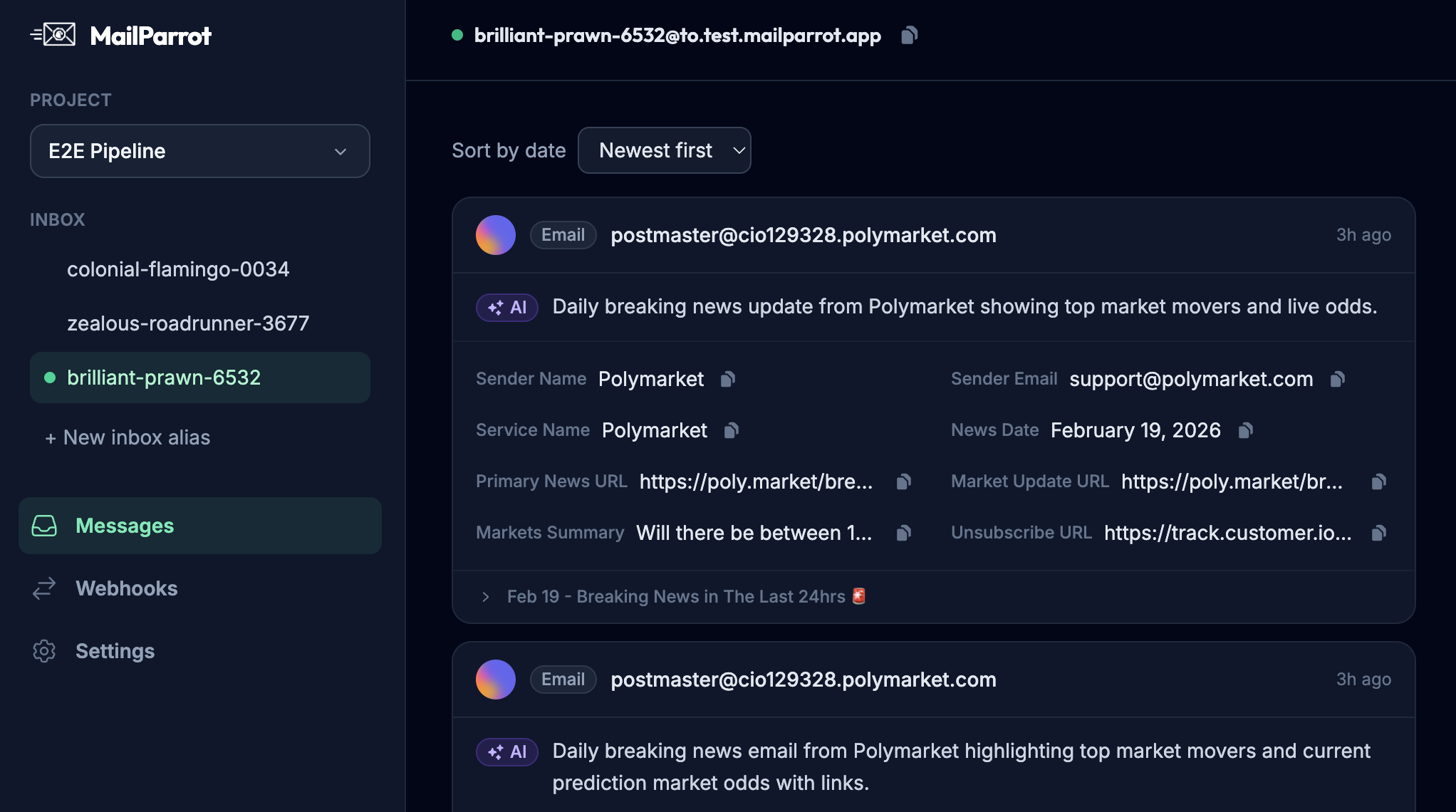
- Real-time email capture: You get exact emails sent to each inbox instantly, without manual forwarding or refreshing.
- Reliable OTP extraction: Built-in mechanisms parse verification codes precisely, avoiding brittle regex headaches.
- Replay and debug: If something goes wrong, you can replay the email content, inspect headers, or isolate delivery issues.
On the support side, you can even programmatically verify if the customer’s email received the code, or automatically resend it if needed-dramatically improving responsiveness and reducing ticket volume.
What role do webhooks and API-first inboxes play in solving these issues?
APIs and webhooks allow your engineering teams to automate email verification flows end-to-end.
For example, your signup flow triggers an OTP send to a disposable inbox controlled by your tests. Your CI pipeline waits for the code via your API or webhook, extracts it, and continues the flow without manual intervention.
This not only reduces “false negatives” in testing but ensures your production flows mirror the tested scenarios.
Plus, webhooks enable real-time notifications when emails arrive, so your support tooling can immediately alert users if a delivery problem arises, or auto-trigger retries.
All this automation reduces manual troubleshooting and repeat tickets.
How can engineering teams integrate disposable inboxes into CI/CD pipelines?
The key to reducing support tickets is preventing the issues from reaching customers in the first place.
Incorporate disposable inboxes in these ways:
- End-to-end authentication flow testing: Simulate sign-up and login flows fully, confirming OTPs behind the scenes.
- Load and endurance tests: Check how your email systems behave under spikes.
- Localization tests: Verify that OTP email content is correctly localized and parsing is resilient across languages.
Automation ensures your email verification isn’t brittle and prone to failure. This means fewer users get stuck and fewer tickets arrive.
How do disposable inboxes respect privacy and avoid clutter for normal users?
Users often avoid giving their real emails to trial services or noisy apps to protect themselves from spam or data dumps.
Disposable inboxes give users control:
- Privacy: Users don’t need to share permanent emails just to get a code.
- Spam reduction: Since the inbox burns after usage, there’s no risk of accumulating unwanted emails.
- Effortless trials: Trying out services becomes smoother with zero risk.
Implementing disposable inboxes or allowing users to generate burnable email addresses in your product can alleviate privacy concerns and reduce support questions stemming from shared or invalid emails.
What’s the recommended process to make email verification boring and reliable?
Here’s a checklist for product and development teams:
- Automate everything: Use APIs and disposable inboxes in your test suites.
- Avoid manual inbox sharing: No more shared Gmail inboxes for verification code testing.
- Implement robust code parsing: Use structured parsing rather than regex prone to break.
- Monitor and alert: Set up alerts if emails fail or delivery lags.
- User experience matters: Make retrying codes simple and informative.
- Support tooling: Help your support reps check actual inbox deliveries before escalating.
Making email verification boring means treating it like the infrastructure it is - reliable, automated, and invisible to end users.
Final thoughts: Reducing support tickets is a team sport
“No code received” support tickets aren’t just email issues. They expose cracks in your infrastructure, testing, and user experience.
By investing in disposable inboxes, programmatic inbox access, and automation, you can transform email verification from a user pain point into a boring, reliable background process.
Your support team will thank you. Your users will thank you. Your developers get to focus on cool features instead of repetitive ticket triage.
And that, in the grand scheme of things, is the kind of magic every product teams hopes to build.
Ready to unblock your tests and pipelines?
1,000 free credits with every account-no card required. They don’t expire.
Get started for free