When to Use a Throw-Away Inbox (and When Not To)
Kieran Goodary
What exactly is a throw-away inbox?
A throw-away inbox, also known as a disposable or burnable inbox, is an email address you use temporarily for a specific purpose before discarding it. Imagine it like a digital paper plate for emails-once you’re done with your meal (sign-up, test, or one-off communication), you toss it out without washing dishes.
These inboxes receive emails independently, often accessed via API or web, and typically don’t require lengthy sign-up processes themselves. They’re great for keeping your primary mailbox clean and private.
Why would anyone want to use a throw-away inbox?
Several scenarios call for disposable emails. They mainly fall into two buckets: personal use and professional development/testing.
For individuals, throw-away inboxes help avoid spam, protect privacy, and manage sign-ups where you don’t expect ongoing communication. For developers and testers, they enable automated testing of email-related functionality without cluttering real inboxes or risking flaky parsing logic.
When are throw-away inboxes useful for everyday users?
Say you want to sign up for a free trial, download a whitepaper, or join a forum where you suspect you’ll get spammy newsletters. Using a throw-away inbox keeps your personal email free from unsolicited marketing.
They also shield your main email from being sold or scraped. If the service leaks emails (it happens) or gets hacked, your primary address stays safe because the throw-away inbox is meaningless once discarded.
Throw-away inboxes are invaluable when you want to avoid confirming identity or don’t want to maintain a long-term relationship with the service.
When might throw-away inboxes not be the right call for everyday use?
If you expect or want ongoing communication-like order confirmations, support, or account updates-a throw-away inbox can cause trouble. You could lose access to password resets or miss important alerts.
Some services outright block disposable email domains because they're often associated with spam or abuse. So, trying to sign up with a throw-away inbox can lead to frustrating roadblocks.
Also, if you want to build a relationship (say, with career networking or newsletters you genuinely find valuable), disposable emails won’t help.
Why do developers and product teams love throw-away inboxes?
In software development, testing email flows reliably is surprisingly hard. Teams write signup flows, password resets, multi-factor authentication (MFA), and communication features-all of which rely on email.
Throw-away inboxes let testers and CI pipelines create real emails on demand. They receive actual messages, verify content, parse OTPs (one-time passwords), and confirm links-all without human hands or guesswork.
This avoids brittle regex on shared Gmail inboxes where concurrency becomes a nightmare. You can parallelize tests, avoid inbox pollution, and have reproducible results.
What problems do throw-away inboxes solve in automated testing?
Testing email-based flows involves multiple challenges:
-
Inbox collision: Shared test inboxes accumulate emails from many tests at once, making isolation tricky.
-
Brittle regex and parsing: Developers often rely on fragile patterns to extract codes/links from raw emails.
-
Reliability: Slow external email providers can cause flakiness.
-
Scalability: Hard to run tests in parallel without stepping on each other’s inboxes.
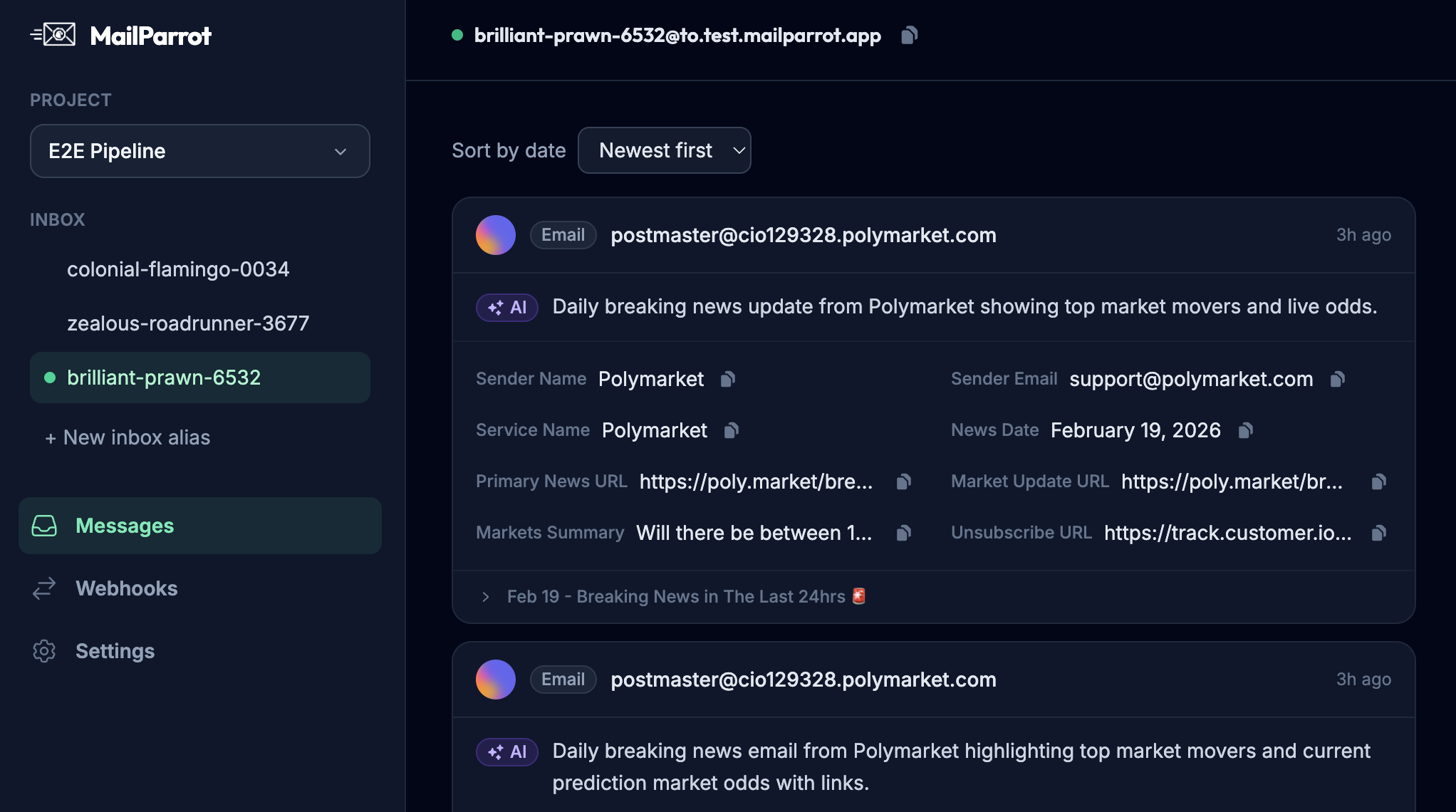
Disposable inbox APIs offer programmatic, dedicated mailboxes per test or user scenario. You receive emails immediately, extract content via clean APIs, and avoid parsing raw headers yourself.
Are all disposable inboxes the same? What should dev teams look out for?
Not quite. Some throw-away inbox services provide just a web UI or single mailbox per account, which doesn’t cut it for automated testing or scale.
Look for features like:
-
API access: For creating inboxes and fetching emails programmatically.
-
Webhook support: Get real-time email notifications to trigger downstream actions.
-
OTP/code extraction: Built-in capability to reliably parse MFA codes.
-
Test environment integration: Simple support inside CI/CD pipelines.
-
Dedicated mailbox per test/user: Avoid shared inbox headaches.
-
Disposable but persistent during test runs: Inbox lives exactly as long as you need.
When should engineers avoid disposable inboxes?
If you’re testing with real production email systems, disposable inboxes can hide issues. For example, in cases where mailbox behavior, spam filters, or client rendering matter, fake inboxes fall short.
Also, be wary if the ephemeral nature causes you to miss long-term communication bugs, like delayed emails or complex threading.
In other words: disposable inboxes are amazing for functional tests but insufficient for end-user experience or integration testing that includes mail providers.
What are the risks of using throw-away inboxes irresponsibly?
If you rely on throw-away inboxes to handle all your important emails, you’ll lose data, miss alerts, and confuse password resets. Using them to evade identity verification on platforms that require real users may violate terms of service or cause analytics inaccuracies.
From a security perspective, never use disposable inboxes for sensitive accounts or actions. Someone else might access the inbox if it’s public or poorly secured.
How do disposable inboxes improve security and privacy?
They create a buffer layer between you and the internet. By not exposing your real mailbox, you reduce the attack surface for phishing, spam, and data collection.
Developers can run automated tests without exposing internal email infrastructure. Users get to test services anonymously, helping combat tracking across sites.
How can you effectively integrate throw-away inboxes into your CI/CD pipeline?
Choose a disposable inbox API with strong REST or GraphQL endpoints and webhook support. Embed steps like:
-
Create new inbox before test suite or scenario
-
Trigger application behavior resulting in email (like signup or OTP request)
-
Poll API or listen on webhook for the email
-
Extract needed data (verification links, OTPs) using built-in parsing or regex on raw content
-
Continue test with retrieved data
-
Destroy inbox post-run
Such orchestration makes email testing reliable, automated, and maintainable.
What alternatives exist to throw-away inboxes?
Some teams try shared inboxes (Gmail, Outlook) with filtering and manual cleanup-not scalable and prone to concurrency issues.
Others use mock SMTP servers (MailHog, MailCatcher) for local tests, but those don’t reflect real email delivery.
You can also configure dedicated test emails on real domains, but management overhead grows fast.
Disposable inboxes provide a sweet spot for ephemeral yet real email testing and private one-off communication.
Can throw-away inboxes replace traditional email for business communication?
Generally no. They’re designed for temporary use and limited lifespan.
Professional email requires permanence, security, and compliance. Disposables can’t guarantee inbox longevity, deliverability, or data retention.
Throw-away inboxes are tools, not replacements.
Wrapping up: When should you (and shouldn’t you) use a throw-away inbox?
Use throw-away inboxes when:
- Signing up anonymously or one-time without ongoing communication
- Avoiding spam or protecting your primary email from trackers
- Automated testing of email-dependent features
- Extracting OTP codes and verifying flows automatically
- Running parallel test suites without inbox clashes
Avoid throw-away inboxes when:
- You need reliable, permanent communication
- Services block disposable domains
- You want to build relationships or receive important alerts
- Your tests require real-world email provider experience
- Security rules forbid temporary or public emails
Ultimately, throw-away inboxes are a pragmatic tool for developers and privacy-conscious users when used thoughtfully. They make email verification boring, reliable, and manageable instead of a flaky guessing game. But they’re not magic; knowing their limits will save you debug headaches and lost messages.
If you build or test software that sends emails, having a solid disposable inbox strategy-ideally one with API access and OTP extraction-should be part of your toolkit. Because email is complicated, but your inbox doesn’t have to be.
Ready to unblock your tests and pipelines?
1,000 free credits with every account-no card required. They don’t expire.
Get started for free