Keeping Staging and Production Email Flows Separate: A Developer’s Guide
Kieran Goodary
Why is it important to keep staging and production email flows separate?
If you’ve ever accidentally sent real emails to customers from your staging environment, you know it’s not just embarrassing - it can be a serious breach of trust. Staging environments are meant for testing, experimenting, and catching bugs before they hit production. That means you need complete isolation between your staging and production email flows.
Mixing the two can result in customers getting test emails, duplicated notifications, or worse, exposing PII through test data leaks. Apart from user trust, mixing email flows makes debugging harder, as you can’t be sure where an email came from. Keeping these environments siloed helps maintain clear boundaries, ensures predictable behavior, and protects everyone’s inboxes.
What are the common pitfalls when staging and prod email get mixed?
A few classic blunders crop up when email flows aren’t separated:
-
Sending test emails to real customers. This can annoy users and damage your brand credibility.
-
Using real user data in staging. If your staging emails contain sensitive info, any leak can become a GDPR or HIPAA nightmare.
-
Shared inboxes causing chaos. When developers use common throwaway inboxes (like a shared Gmail) for tests, emails pile up, making it impossible to track specific test cases.
-
Brittle config management. Overlapping SMTP configs or API tokens can cause emails to be delivered unpredictably.
-
Manual intervention. Without automation, developers disable or redirect email flows haphazardly, increasing risk.
If any of these sound familiar, you’re not alone - but there are clean solutions.
How can disposable (burnable) inboxes help keep environments separate?
Disposable inboxes are a godsend for keeping staging environments tidy. Instead of routing test emails to real user addresses or shared Gmail accounts, you generate ephemeral inboxes programmatically. Here’s why they help:
-
Isolation by design. Each test or staging session gets its own unique inbox, so no overlap.
-
Easy cleanup. Once a test is done, the inbox can be discarded automatically.
-
API-driven access. Instead of manual inbox checking, your CI pipelines can read emails via APIs, extracting OTPs or verification links reliably.
-
No risk of leakage. Real users never receive test emails because these addresses exist only transiently.
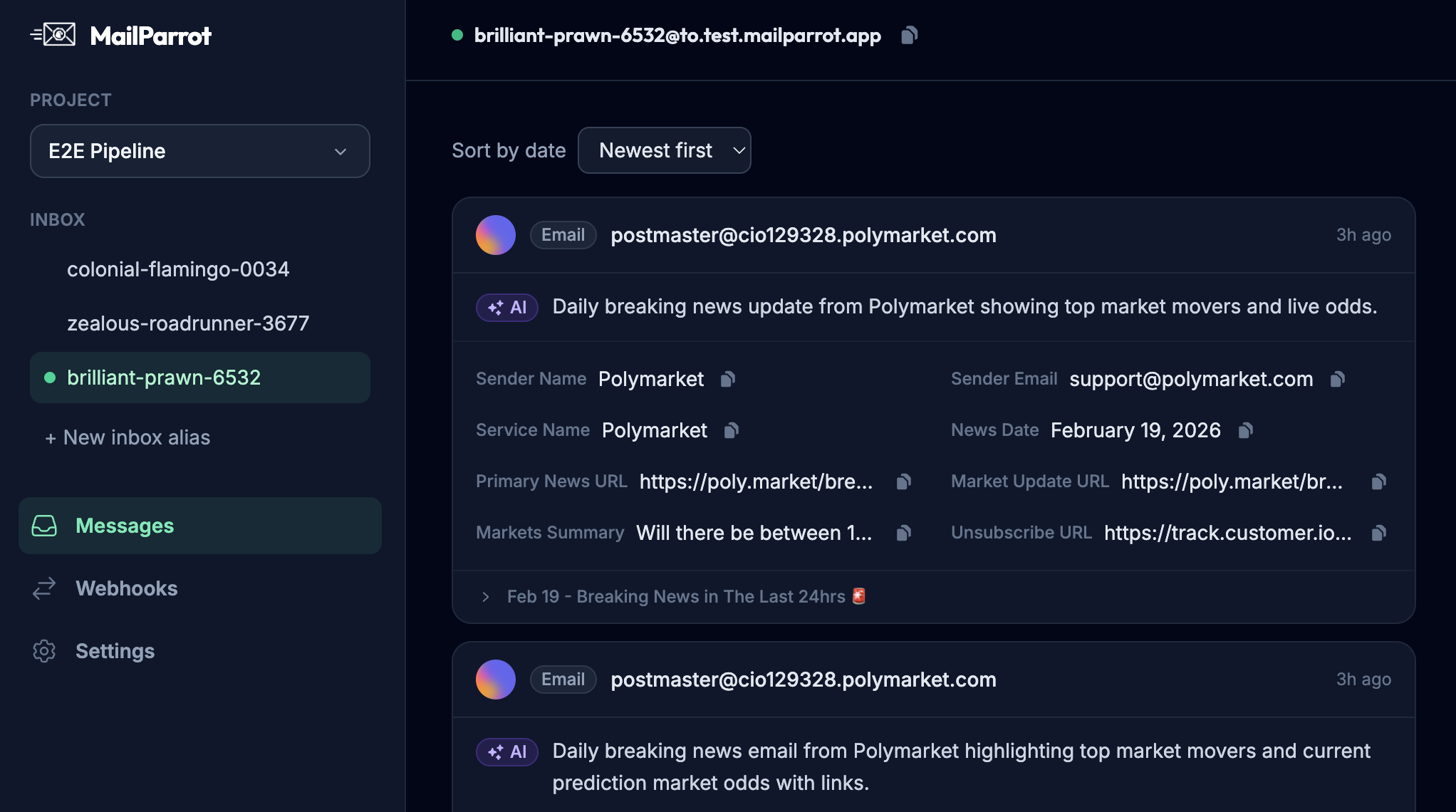
For example, using an API like MailParrot’s, developers can create disposable inboxes on the fly, fetch incoming emails, and parse OTPs or URLs for validation. This means no brittle regex scraping of shared inboxes, and no chance of accidentally contacting real customers.
What are the alternatives to disposable inboxes, and why might they fall short?
You might have seen teams rely on alternatives such as:
-
Mocking email delivery internally. This means your app pretends to send emails but actually writes them to log files or local storage. The downside is it often misses real-world edge cases seen with actual email delivery.
-
Using shared Gmail or test accounts. This works but quickly turns into a nightmare of inbox congestion, manual cleanup, and unreliable parsing.
-
Redirecting emails to a single staging inbox. This can clutter that inbox and risks hard-to-debug email mix-ups.
-
Disabling email sending on staging altogether. While this protects users, it prevents end-to-end testing of email flows.
None of these approaches offer the clean, scalable, and programmatic control that disposable inbox APIs deliver.
How do you implement separate email flows in a typical CI/CD pipeline?
Great question. A typical pattern looks like this:
-
Configure your app with environment-specific email settings. Separate SMTP servers or API keys for prod and staging ensure no cross-talk.
-
On staging runs, generate a disposable inbox dynamically. Your tests or deployment scripts request a burnable email address via API.
-
Pass that email address as the recipient in sign-up, password reset, or invite flows. Your staging environment triggers emails to those disposable inboxes.
-
Use API calls to fetch incoming emails. Extract OTP codes, confirmation links, or other payloads your tests need.
-
Assert on email content as part of your test suite. Automated e2e tests can fail if expected emails aren’t received or contain unexpected content.
-
Clean up disposable inboxes after the run. This ensures no stale data.
-
In production, emails are routed only to real user addresses through the production email system.
This architecture keeps email testing foolproof, repeatable, and isolated. Bonus: it makes your tests less flaky since you're not relying on shared resources prone to race conditions.
How can OTP extraction via APIs improve your workflow beyond just isolation?
Email-based OTPs (one-time passwords) are critical for many authentication flows-think password resets, 2FA, or sign-ups.
Traditionally, tests attempting to automate OTP verification have to parse raw emails using regex or fragile parsing logic, often shared across teams manually checking inboxes. This is painful and error-prone.
Using inbox APIs, you can:
-
Programmatically fetch the latest email content with structured access, avoiding flaky email scraping.
-
Extract OTP codes based on JSON fields or predefined templates, reducing brittle parsing logic.
-
Trigger your app’s next step automatically in test pipelines, making e2e fully automated.
-
Handle concurrent tests with unique, ephemeral inboxes so tests don’t interfere.
This not only stabilizes tests but saves on developer time wasted chasing mysterious timing or parsing bugs.
What are security and privacy considerations when separating email flows?
Keeping staging emails separate also helps with compliance and security:
-
Avoid exposure of real user data in test emails. Do not reuse production user accounts or data in staging.
-
Prevent accidental mass emails or spam. Staging email flows should never reach real customers.
-
Audit and monitor email sending. Keep logs and alerts if staging emails try to use production keys or servers.
-
Use throwaway inboxes that self-destruct once tests finish-this reduces data retention risks.
-
Limit access to staging environments and API keys. Secure your burnable inbox APIs to prevent misuse.
Safe email environments mean safer products.
What are some practical tips to maintain sanity with email flows?
-
Automate your email configuration management. Treat email settings as code, with clear environment-specific configs.
-
Make disposable inbox usage a first-class citizen in your test tooling. Developers shouldn’t need to improvise with ad hoc Gmail accounts.
-
Integrate email verification in your CI pipeline. Let failed email tests block deployments if needed.
-
Document your environment email boundaries for your team-no one likes surprise prod emails during staging.
-
Monitor and alert on email flow anomalies. Early warnings save headaches.
-
Consider tools built for developers like MailParrot that provide APIs for disposable inboxes, OTP extraction, and webhooks to hook into your workflows.
How does this approach scale with complex projects or multiple teams?
In bigger organizations, you might have many different teams deploying features concurrently across multiple staging environments (feature branches, QA, UAT, etc.). Disposable inboxes and strict separation become even more critical:
-
Each branch or environment can generate unique inboxes on demand.
-
No garbage piling up in shared mailboxes.
-
Teams don't step on each other's toes when checking email flows.
-
CI jobs can parallelize without inbox conflicts.
-
Engineering managers get trustworthy metrics on email delivery and test coverage.
Plus, you avoid the embarrassment of a staging email about a half-finished feature mistakenly going to a real customer.
How do you keep production email flows reliable and boring?
Yes, boring is good here. When your production email system never “does interesting things,” customers get their messages as expected and developers don’t have to sprint at midnight to fix email bugs.
Keeping staging and production email flows completely separate helps:
-
Reduce risks of staging test noise impacting production users.
-
Allow production emails to be monitored with minimal false positives.
-
Protect your user’s trust by eliminating test data bleeding.
Your production email should be well instrumented, monitored, and only sending real emails to real users - without any surprises from your testing environments.
Ready to separate your staging and production email flows?
Ultimately, keeping email flows separate between staging and production is essential for stability, security, and sanity - both for your users and your development team.
Disposable inbox APIs, programmatic OTP extraction, and environment-aware email configurations make this easy and scalable.
Start thinking of your staging email flows as first-class citizens - isolated, testable, and disposable. This saves you from those embarrassing "Oops, test email to real user" moments and means reliable email testing that just works.
If you want to explore practical solutions, check out MailParrot's API for disposable inboxes and OTP extraction designed with developers and CI/CD pipelines in mind.
Your future self (and your customers) will thank you.
Happy emailing!
Ready to unblock your tests and pipelines?
1,000 free credits with every account-no card required. They don’t expire.
Get started for free